Business automation services
Our business automation services take the repetitive work out of your back office: retyping orders, chasing payments, copying data between systems and building the same report every Monday. We map how the work happens now, automate the steps that don't need a person, and connect the systems that should already be talking to each other.
We build automation as software we host, monitor and look after, not a tangle of personal accounts on someone's laptop. When a supplier changes a file format or a system changes its API, an alert reaches us and we fix it.
Where it usually starts
- Orders arrive by email or from a website and are typed into another system.
- Invoices, payments and the accounts don't agree without a person checking.
- Customers and suppliers send files that someone imports by hand.
- A report is rebuilt from scratch every week.
- Reminders and follow-ups depend on someone remembering.
What can be automated
Anything that follows rules and happens often is worth a look: the same data typed twice, a document turned into an order, a status copied into an email, a reminder sent on a schedule. Work that needs judgement stays with your team, and the automation hands it to the right person with everything they need.
We start by mapping the process with the people who do it. The map often shows that the best first fix is a change to how the work flows, before any software is written.
What we build
Accounting systems
Invoices, payments and customer records kept in step with Xero, QuickBooks or Sage, so sales, billing and the accounts agree without anyone retyping them.
CRM and sales
Leads, deals and customers kept in step between your website, your CRM and the system that runs the work, whether that's HubSpot, Pipedrive, Salesforce or something built for your trade.
Ecommerce and orders
Orders from Shopify or your own shop flow into stock, fulfilment and the accounts, with anything unusual flagged for a person instead of lost.
Payments and collections
Card and Direct Debit payments taken on schedule, late ones chased by email on a timetable you set, and every step recorded.
EDI and supplier files
Orders and invoices exchanged with larger customers and suppliers by EDI, CSV or spreadsheet, checked and imported automatically.
Documents and email
Quotes, contracts, delivery notes and reports generated from your data, and incoming email sorted and filed. Where the documents are messy, AI does the reading.
Zapier, Make and n8n, or custom?
Off-the-shelf automation tools are fine for simple jobs, and we'll tell you when one is enough. We build custom automation when the process is central to the business, handles money or personal data, runs at volume, or needs proper error handling and a record of everything it did.
An example: one order, start to finish
Here's how a typical order might flow once it's automated. A customer orders on your website. The order is checked against stock and the customer's account, and anything unusual, such as a new customer over their credit limit, goes to a person with the details. Everything else carries on by itself.
Stock is reserved, a delivery is booked with the carrier, and the warehouse gets a pick list. When the delivery is confirmed, the invoice is raised in your accounting system and emailed. If it isn't paid on time, reminders go out on the schedule you set, and the account manager sees it on their list only if it's still unpaid after the last one.
Nobody retyped anything, and every step is in the log.
How a project runs
We map the process, agree in writing what will be automated and what stays with people, and give a fixed price for each stage. You see each automation working on real examples before it goes live.
Once it's running we host and monitor it, keep a log of what it did and why, and fix it when something it depends on changes. That's covered by a monthly fee.
Software we built and still run
Our own products, live today. We designed, built and host every one of them.
-
StoreBay
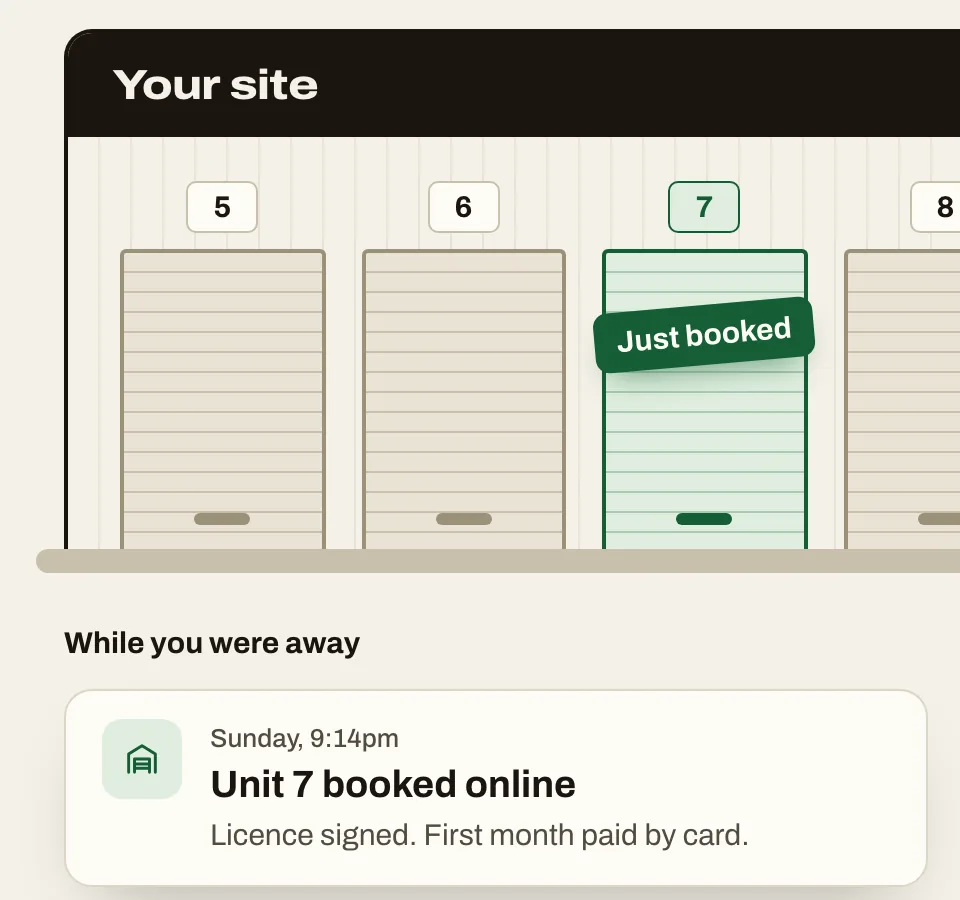
Billing that runs itself: monthly invoices, card and Direct Debit payments through GoCardless, and late-payment reminders, notices and fees by email on a schedule the operator sets.
-
Add to CRM
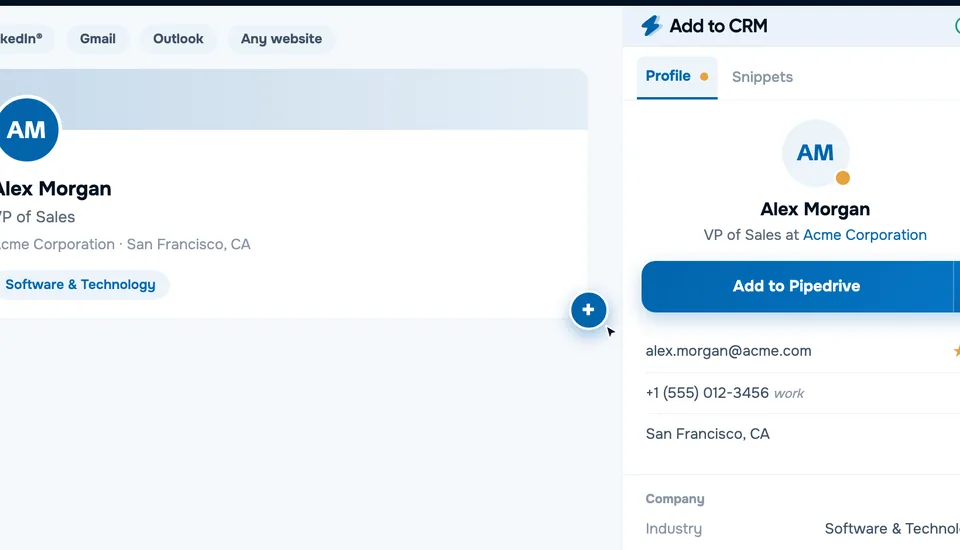
Integrations with 29+ CRMs, each with its own API, field mapping and limits, behind one button.
-
esportsodds.gg
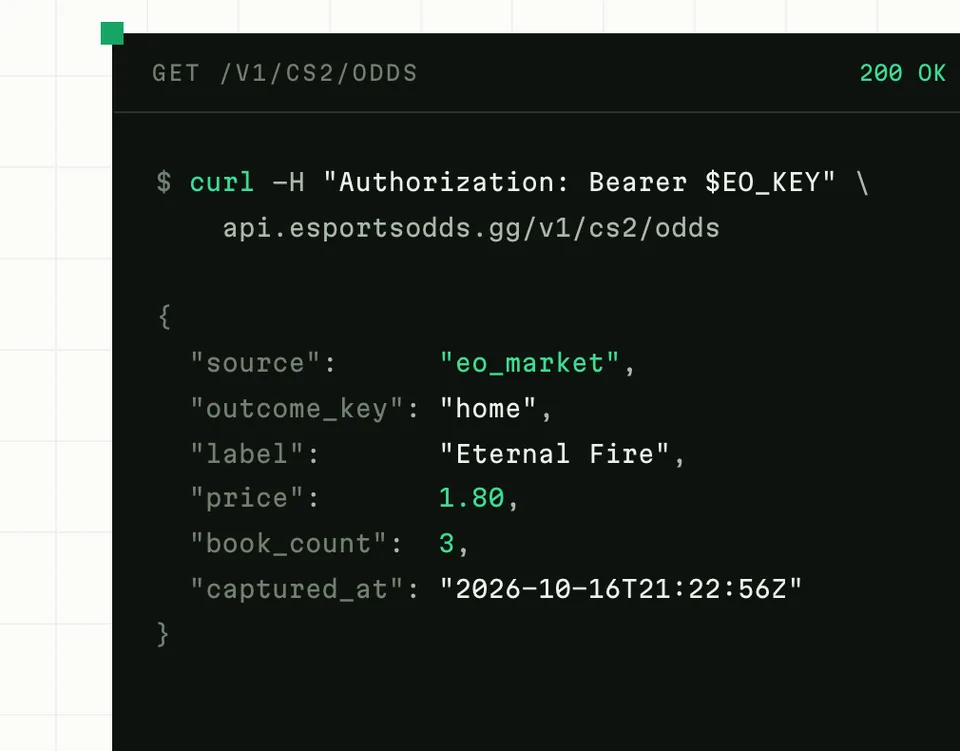
Pipelines that collect, check and join data from several sources into one record per match, around the clock, and serve it through an API.
Industries we build it for
Questions
What if one of our systems has no API?
Most business software has one. When it doesn't, we can usually work with scheduled exports, email, shared folders or the files it already produces. We check before we quote.
What happens when a connected system changes?
We monitor the automations we run, so a failed sync or a changed file format raises an alert with us rather than going unnoticed for weeks. Fixing it is part of looking after it.
Will automation replace people on our team?
It replaces the copying and checking, not the judgement. In most businesses it frees people for the work that needs them: customers, exceptions and decisions.
How do we know it's working?
Every automation keeps a log of what it did, and anything it can't handle goes to a person with the details. You can see what ran, when, and with what result.
Who owns it?
You do, as with everything we build: the code, the data and the documentation. If you move on, we hand it over.
Related
From the blog: Process mapping: map it before you automate it.
Tell us what you want to build
A few lines is enough to start. Phil replies within one working day.
Start a project